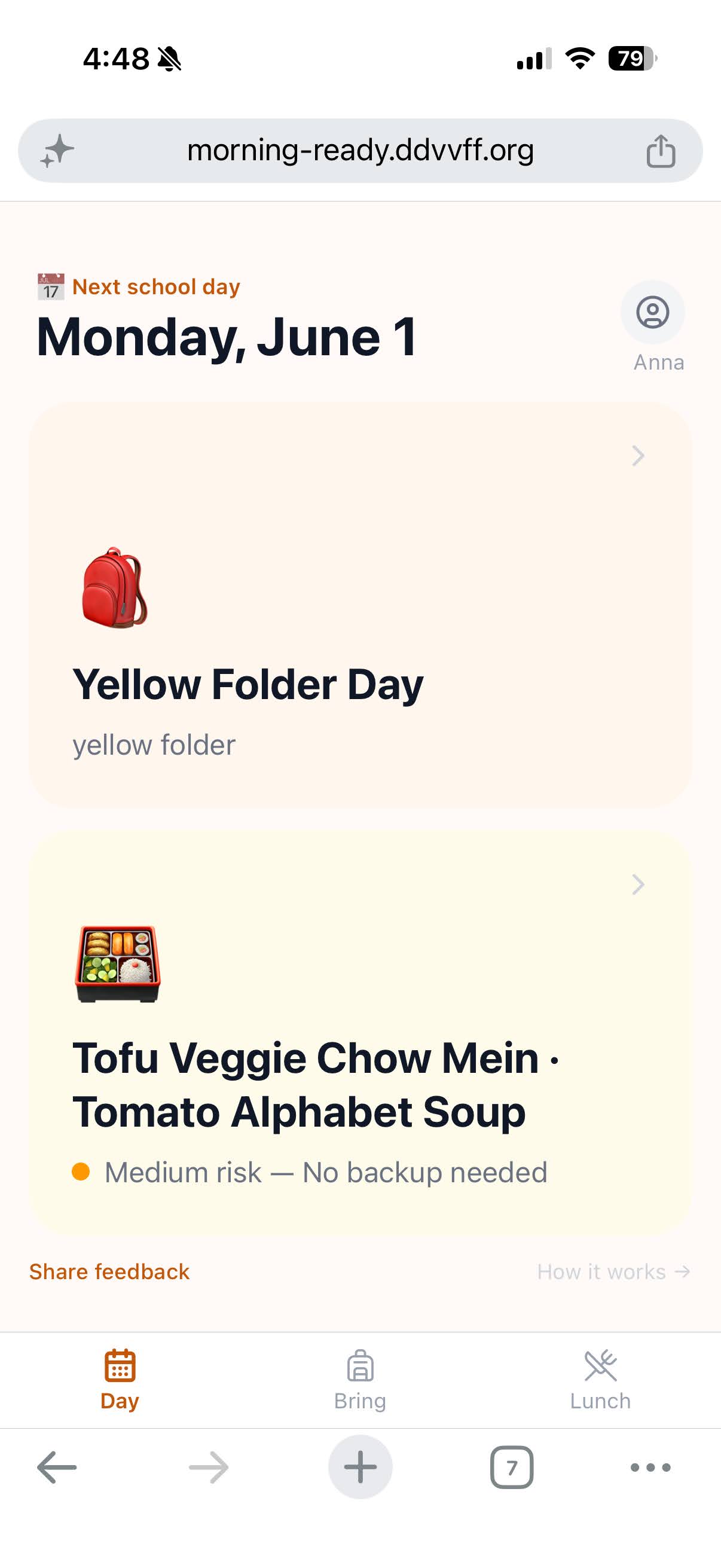
Most of my recent product work is platform β powerful inside other products, hard to show directly. So I built one end to end: Morning Ready, an AI app that tells a parent what their kid needs each morning β concept to production in about three days.
Parents already know the basics: water bottle, backpack, snack. The scramble is the one detail buried across emails or WhatsApp messages: what does my child need today?
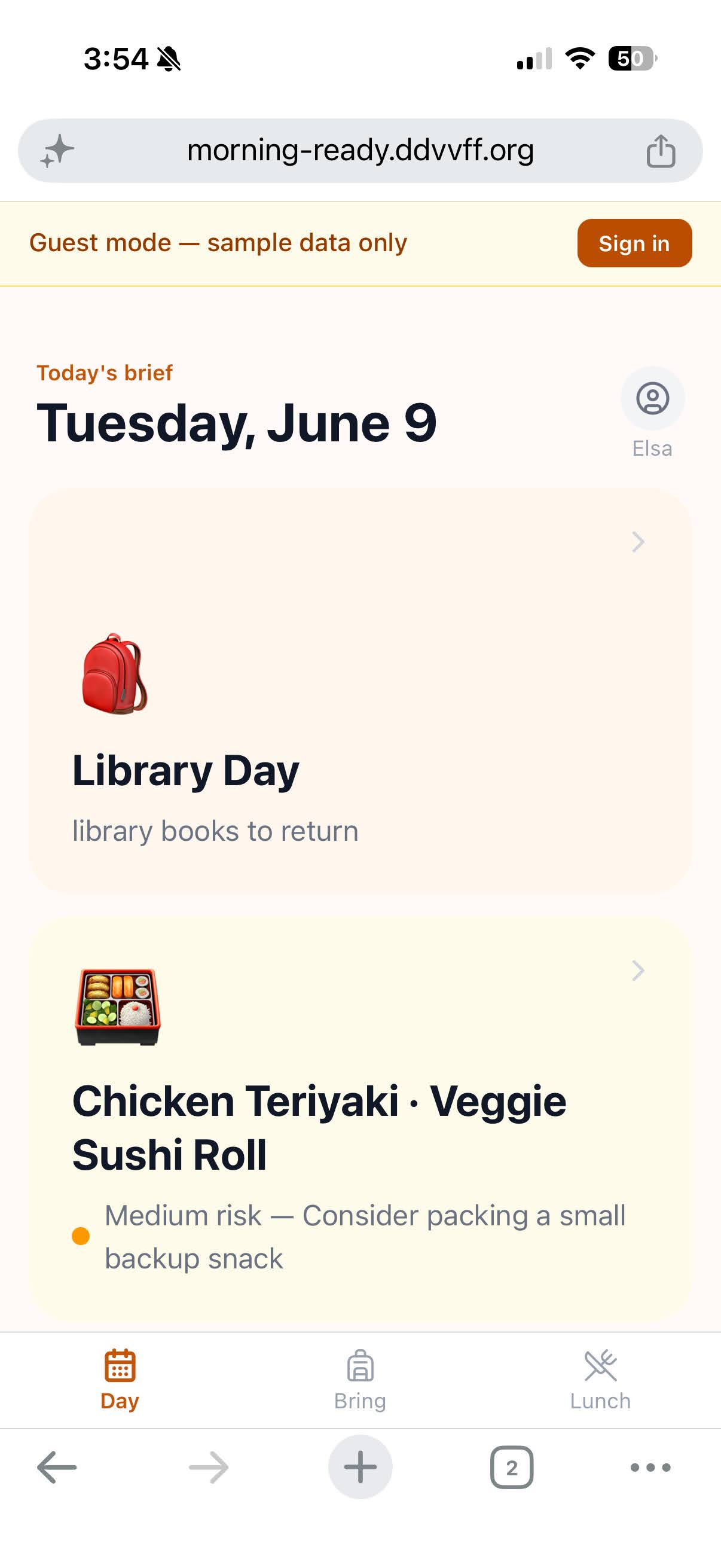
What to bring: Wear green, swimsuit, towel, class party items.
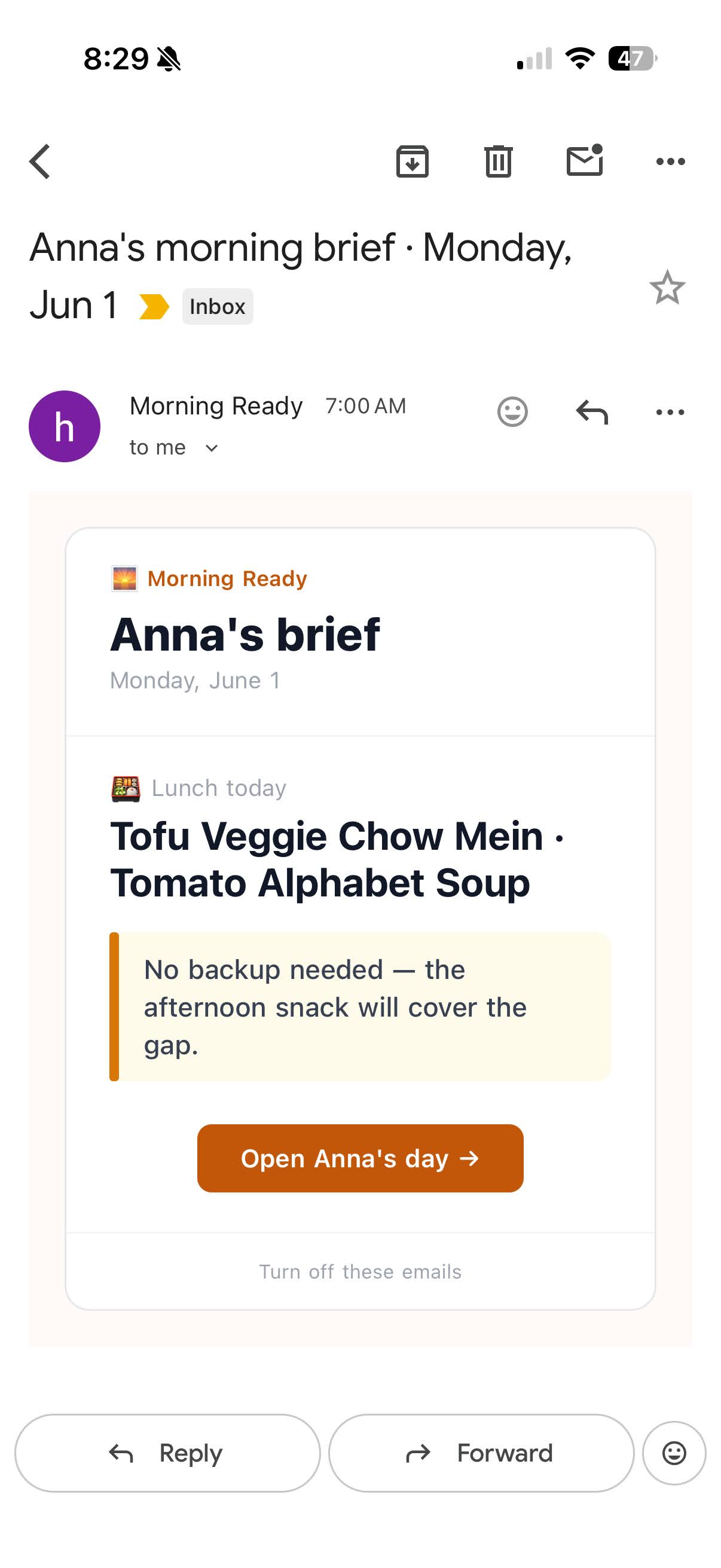
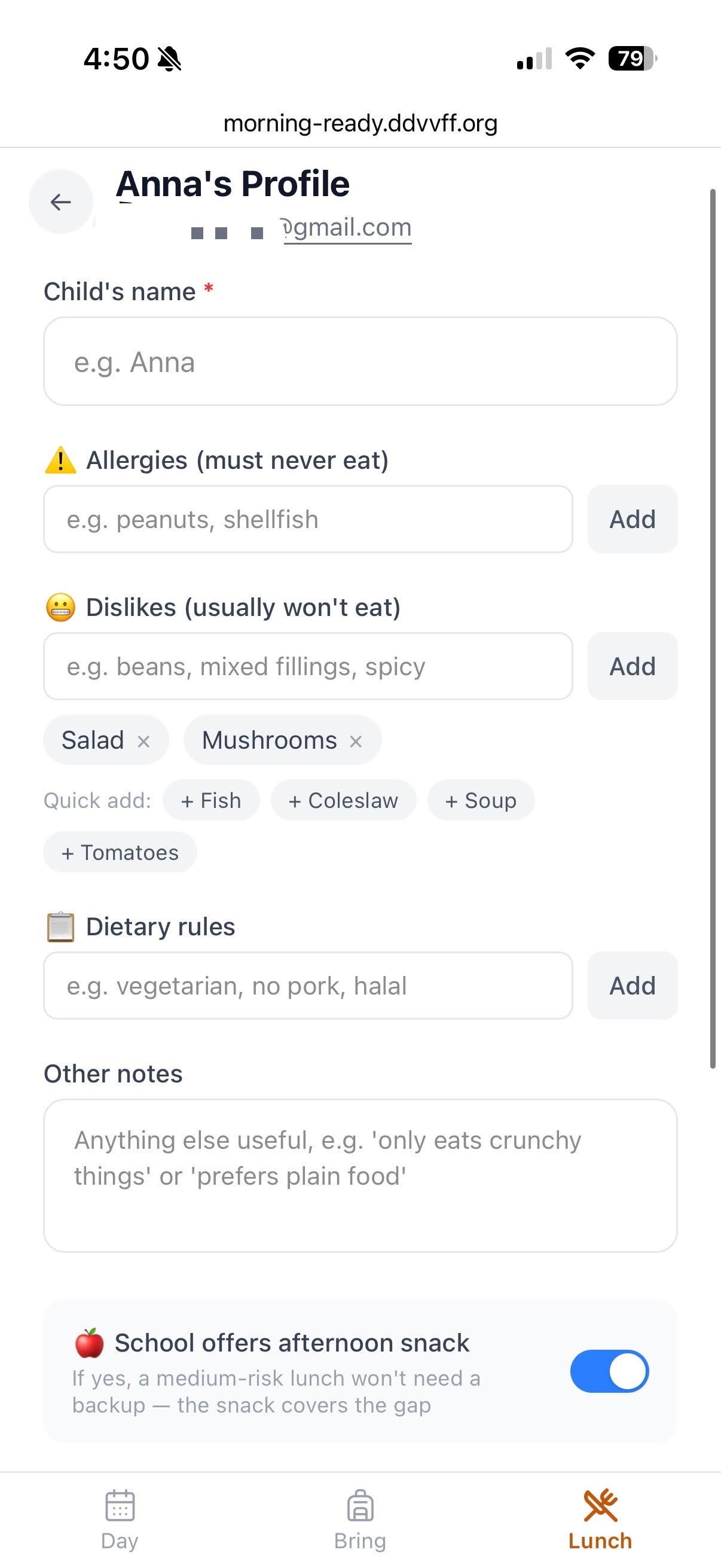
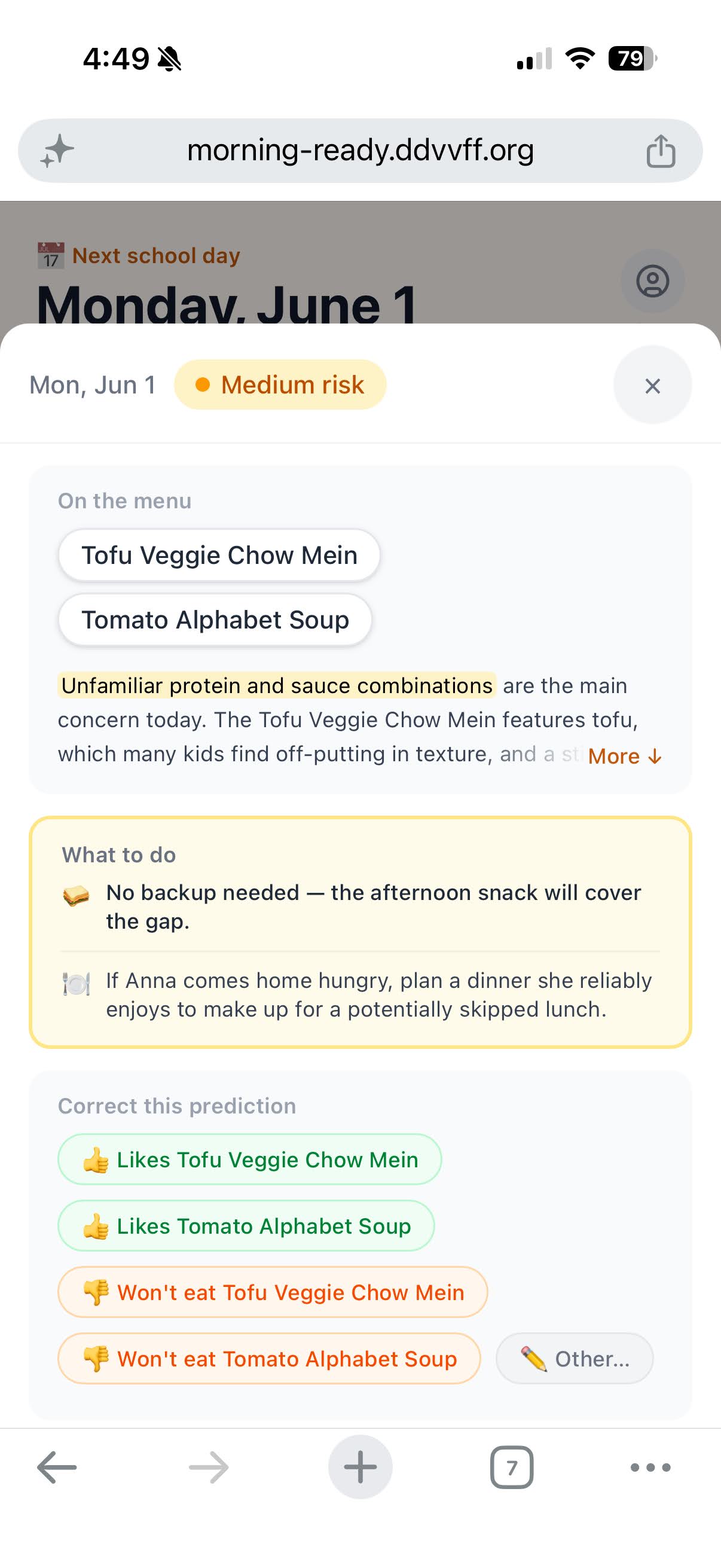
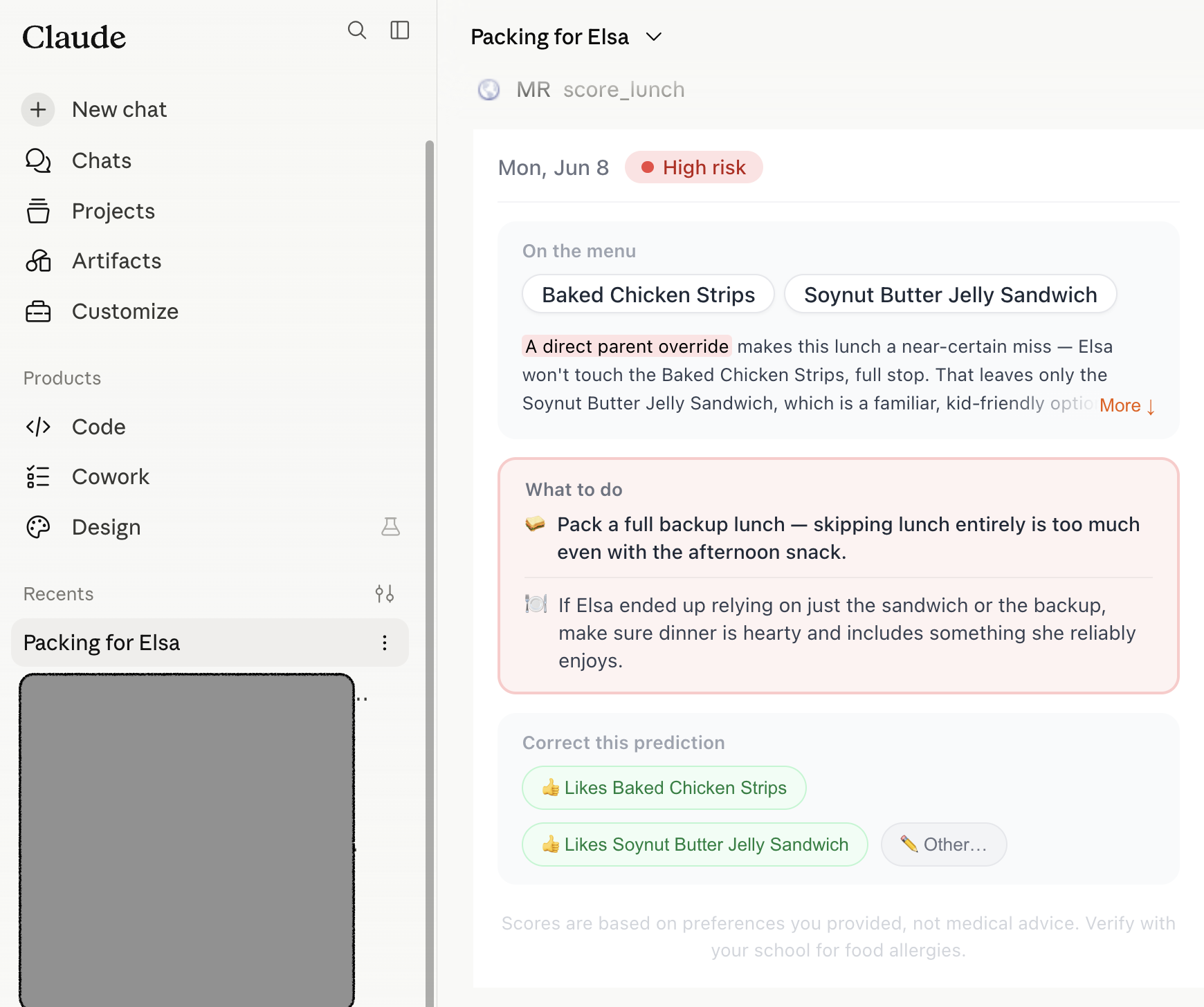
Lunch risk: Whether today's school lunch is likely to work for the child, based on allergies, dislikes, dietary rules, and past patterns.
This app answers this exact question.
When a child doesn't eat school lunch, the cascade is predictable:
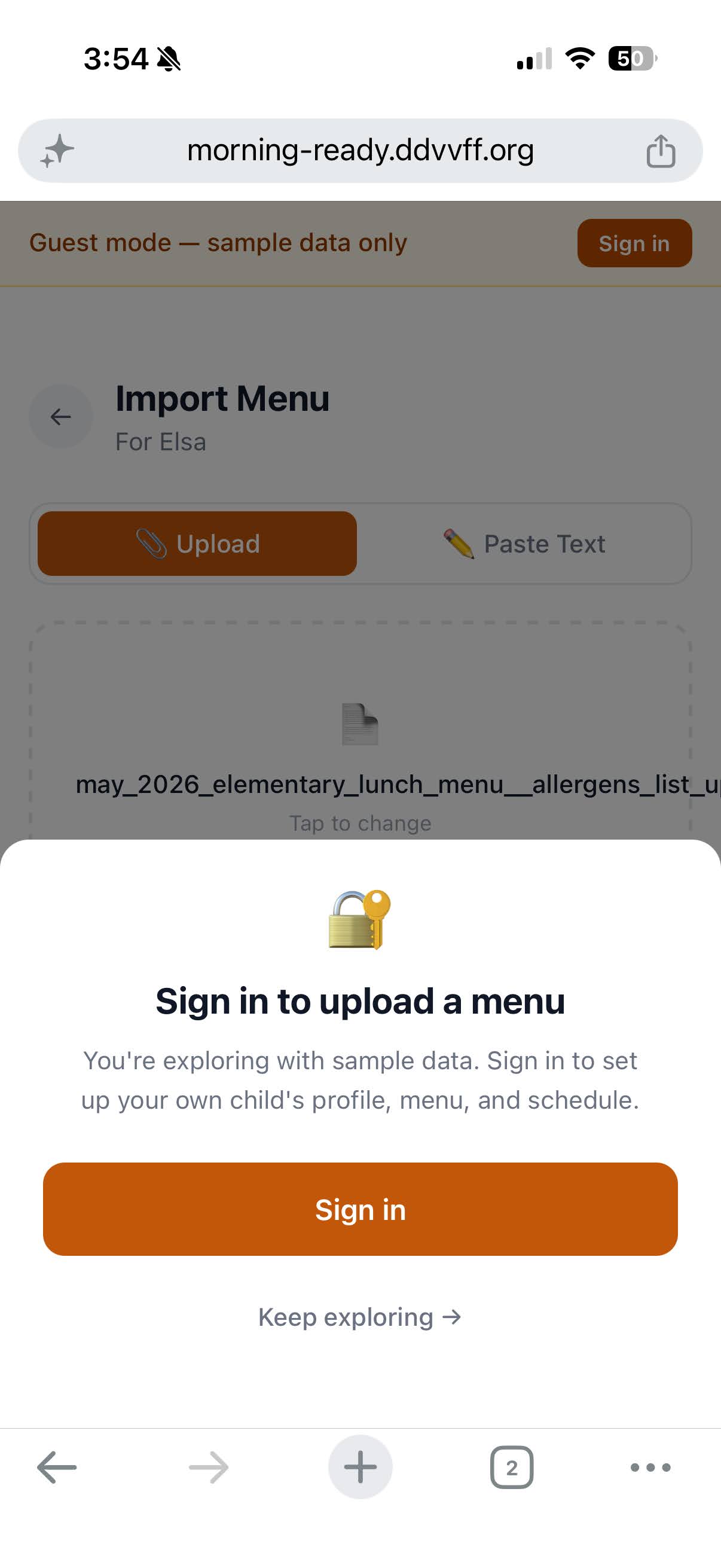
The fix is knowing in advance. The core loop: parent uploads the monthly menu PDF β app parses the menu by date β compares each dayβs lunch against this childβs allergies, dislikes, dietary rules, and past feedback β parent gets a useful alert only on risky days.
The same upload pattern powers Bring: paste a camp email or upload a schedule PDF to get tomorrowβs packing list.
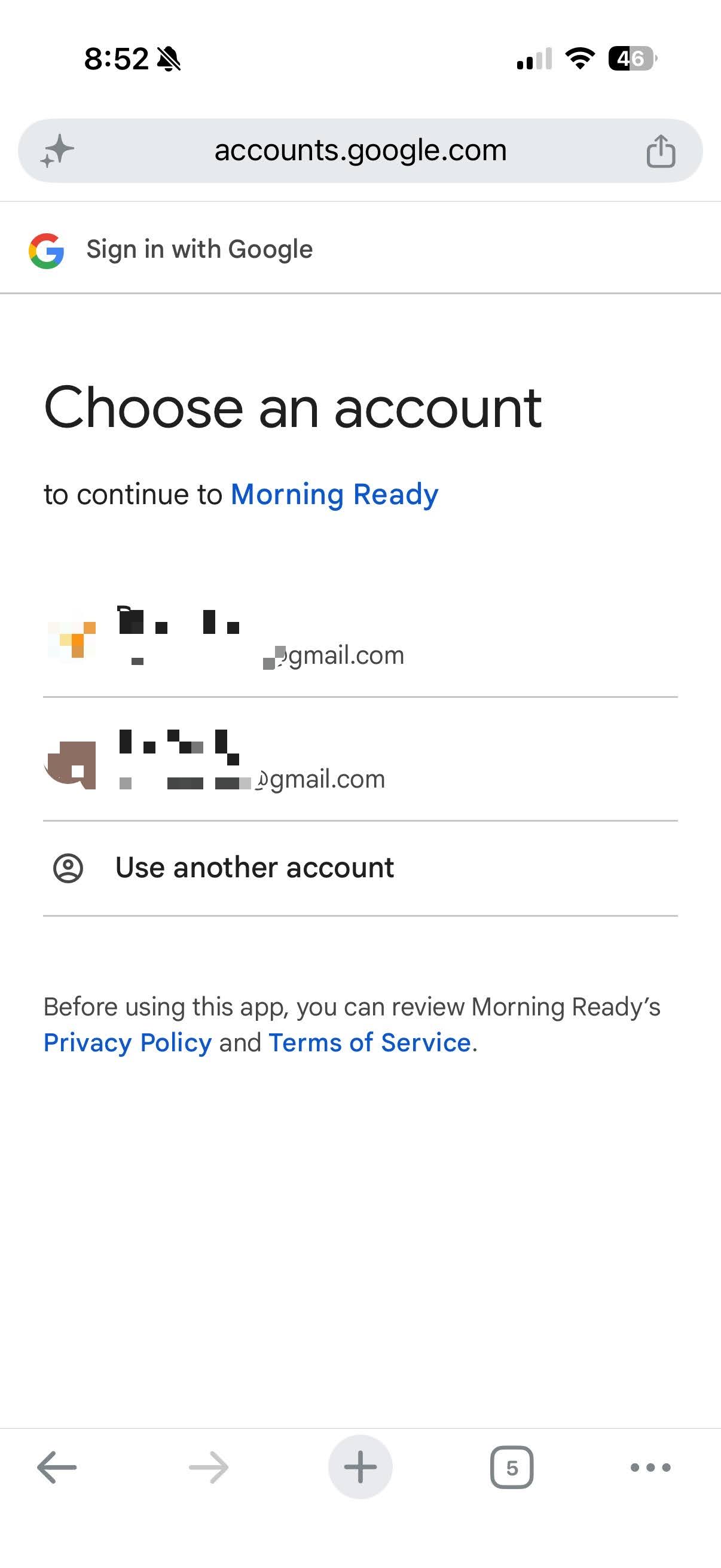
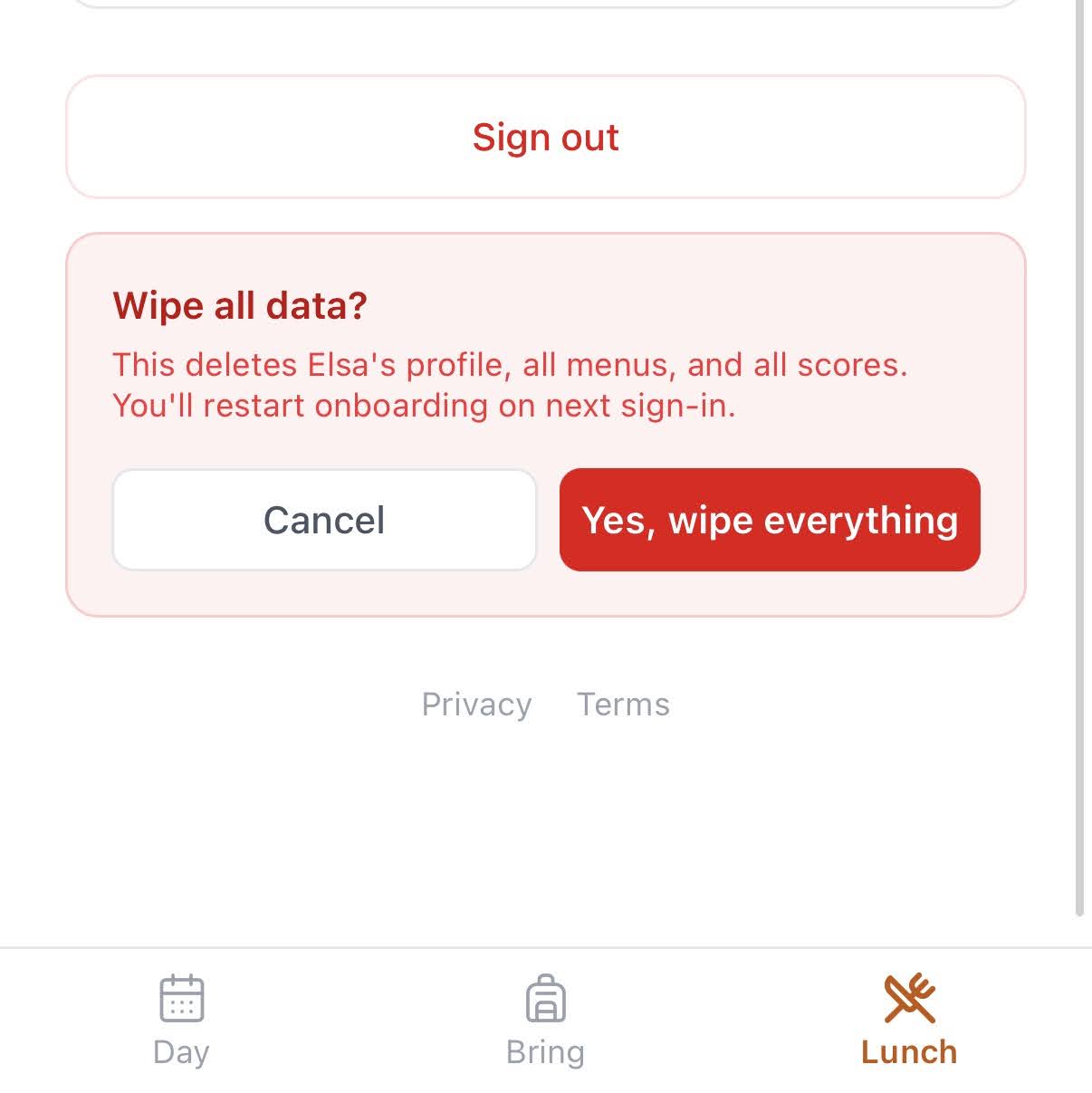
Parents entering their child's allergies and dislikes need to trust the product. Two deliberate steps: the Google sign-in screen shows “Morning Ready” by name with Privacy Policy and Terms of Service linked β not a generic project ID. This requires going through Google's OAuth branding verification, which most demos skip. It's not hard, but it takes time and attention most builders don't spend β and it's exactly the kind of detail that separates something that feels real from something that feels like a side project. And the parent owns their data: one tap wipes the profile, all menus, and all scores.
A product tour runs before sign-in so the parent sees the output before committing. Onboarding ships with a pre-loaded menu so scoring works immediately β no data entry required.
Real auth, managed data, authenticated email, CI/CD, regression tests β the plumbing a prototype skips. Here as proof, not as the headline.
AI compressed the build from weeks into days. The point isn't the speed β it's where the saved time went: into the judgment a model can't make. A working product on day one, a deliberate design pass on day two, production hardening on day three β including two restructures (nav and onboarding) that were decided, not generated.
Anyone can prompt a model for a packing list. The work was building the product around it β the data model, the judgment calls, and the craft that keeps it from looking like something generated.
Morning Ready is live with a small group of alpha users (under five today). The near-term plan is to put it in front of 20β30 fellow parents as a beta, learn from how they actually use it, and improve from real feedback rather than assumptions.
Success isn't a big number β it's parents telling me it caught something they'd have missed, and coming back the next week.